

















;void(0) "pinterest")

Ordering prescription glasses online at ABBE Glasses involves four main steps: choose a frame, enter your prescription information and pupillary distance (PD), choose your lenses, and review your order before checkout.
Having your prescription and PD ready before you start can make the ordering process easier. You can also use an existing pair of comfortable glasses as a reference when choosing your new frame size.
How to Order Prescription Glasses Online in 4 Steps
- Choose your frame based on size, shape, color and personal preference.
- Enter your prescription and PD using the information provided for your glasses.
- Choose your lenses and the lens options available for your prescription and frame.
- Review and place your order after checking the frame, prescription, lenses and order details.
What You Need Before Ordering Prescription Glasses
Before starting your order, it helps to have the following information ready:
- Your eyeglass prescription. If you are unfamiliar with SPH, CYL, AXIS or ADD, see How to Read Your Prescription .
- Your pupillary distance (PD). If you do not already have it, see How to Measure Your Pupillary Distance .
- A frame size reference. You can check an existing pair of comfortable glasses or use our Frame Size Guide .
Step 1: Choose Your Frame
Start by choosing an eyeglass frame that fits your size needs and personal style. Frame size has a direct effect on fit, while frame shape and color are largely matters of style and preference.

Frame Shape
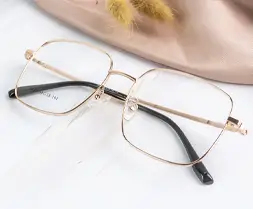
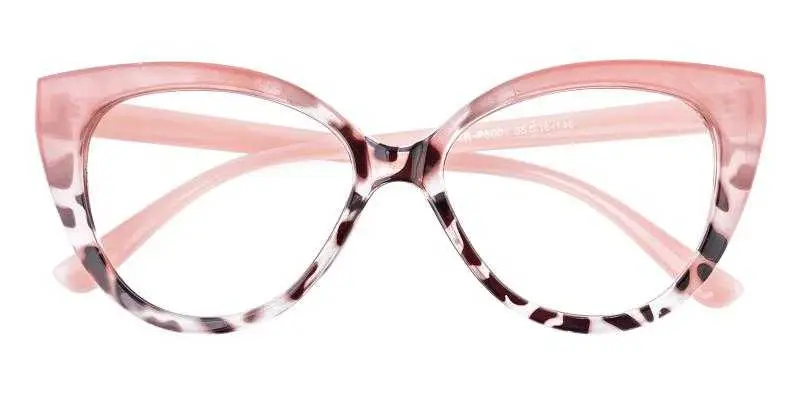
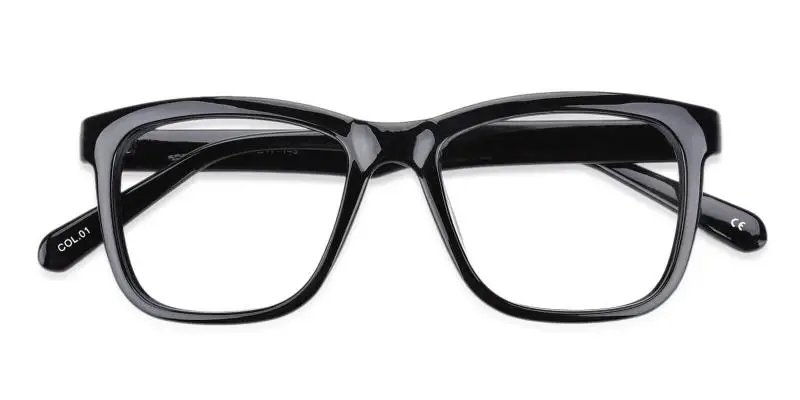
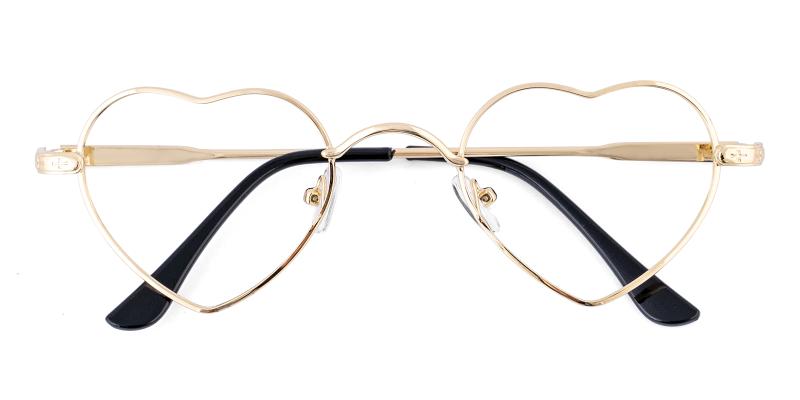
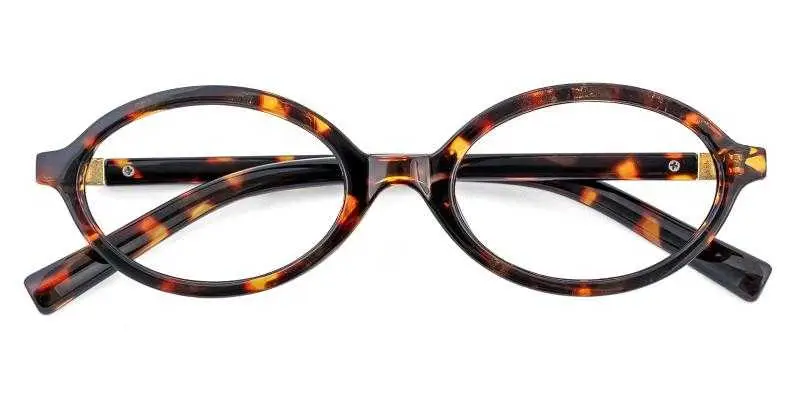
Eyeglass frames are available in many shapes, including round, square, oval, cat-eye and geometric styles. Frame shape is mainly a combination of fit and personal style rather than a strict rule based on face shape.
A face-shape guide can provide ideas if you are not sure where to start. See Glasses for Your Face Shape .

Frame Size
Frame size is an important part of how a pair of glasses fits. If you already have glasses that fit comfortably, check the numbers printed inside the temple arm and compare them with the new frame.
A size such as 54-17-140 typically represents lens width, bridge width and temple length in millimeters. See How to Measure Your Frame Size for a complete explanation.

Frame Color
Frame color is mainly a personal style choice. You may choose a neutral color for everyday use or a brighter color to make the frame more noticeable.
When a frame has multiple colors, select the color you want before continuing to the prescription and lens steps.
Step 2: Enter Your Prescription and PD
After choosing your frame, enter the prescription information for your lenses. Your prescription may include values such as SPH, CYL, AXIS, ADD and Prism, depending on what has been prescribed.
Enter the values exactly as they appear in your prescription information. Do not change plus or minus signs or substitute values that are not provided. For help understanding the fields, see our How to Read Your Prescription guide.
You will also need your pupillary distance (PD) for lens positioning. If you do not already have a PD measurement, see How to Measure Your Pupillary Distance .

Step 3: Choose Your Lenses
After entering your prescription information, choose the lens options available for your prescription and selected frame. Available choices can vary depending on prescription requirements, frame compatibility and lens type.
Choose the Lens Type
Select the lens type that matches your prescription and intended use. Follow the prescription information provided by your eye care professional when choosing between available lens types.
Choose Lens Index and Available Options
Depending on the lens and prescription, you may be offered different lens indexes, colors, tints, coatings or other optional features.
Review the description and price of each available option before making your selection. Not every lens option is available for every prescription or frame.
Step 4: Review and Place Your Order
Before continuing to payment, review the information in your order carefully. Check that the selected frame, color, prescription values, PD and lens options match what you intended to order.
Before placing the order, check:
- Frame name, size and color
- Prescription values for the right and left eyes
- Pupillary distance (PD)
- Lens type and selected lens options
- Order quantity and displayed price
- Shipping and payment information shown during checkout
Once the information is correct, continue through checkout and enter the required shipping and payment information to place your order.

After your order is placed, ABBE Glasses sends an order confirmation email. Review the order information in the email and contact customer service if you notice a problem with the submitted order details.
